Selecting the right VPN in the United States can be a challenging task, given the wide range of services, features, and pricing options available in 2026. Whether you want to protect your online privacy, secure your internet connection, or maintain high-quality streaming and browsing, a VPN is an essential tool. However, not all VPNs are created equal. This detailed buyer’s guide will help you evaluate VPN providers based on key factors, ensuring that you make an informed choice tailored to your needs.
Understanding the Basics: What a VPN Does
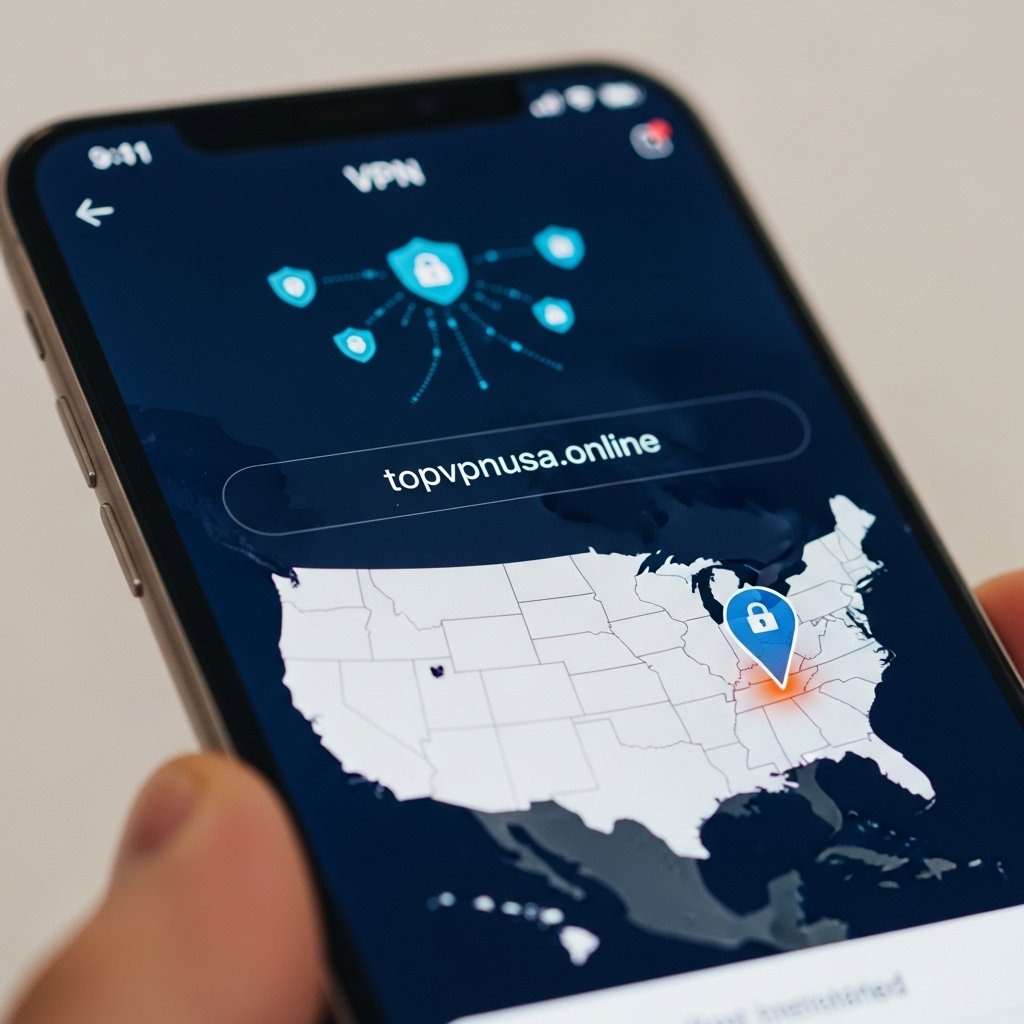
A VPN (Virtual Private Network) encrypts your internet traffic and routes it through a remote server operated by the VPN provider. This process provides several benefits:
Privacy Protection: Your IP address is masked, and websites cannot directly link your activity to your device.
Data Encryption: Your internet traffic is encrypted, making it unreadable to hackers, ISPs, or any third party trying to intercept your data.
Secure Public Wi-Fi Use: VPNs protect your personal data when you connect to unsecured networks in cafes, airports, or hotels.
Improved Streaming and Browsing: VPNs can maintain stable speeds for uninterrupted streaming and access geo-restricted content without affecting legitimate use.
Understanding these core functions is the first step in choosing a VPN that fits your needs.
Step 1: Identify Your Primary VPN Goals
Before selecting a VPN, determine why you need it. Different users have different priorities:
Privacy-Focused Users If your main goal is to protect your personal information and browsing history, prioritize VPNs with strict no-logs policies, strong encryption, and privacy-focused features.
Streaming and Entertainment For HD and 4K streaming, speed is crucial. Look for VPNs with fast servers in the United States and worldwide, as well as optimized servers for streaming platforms.
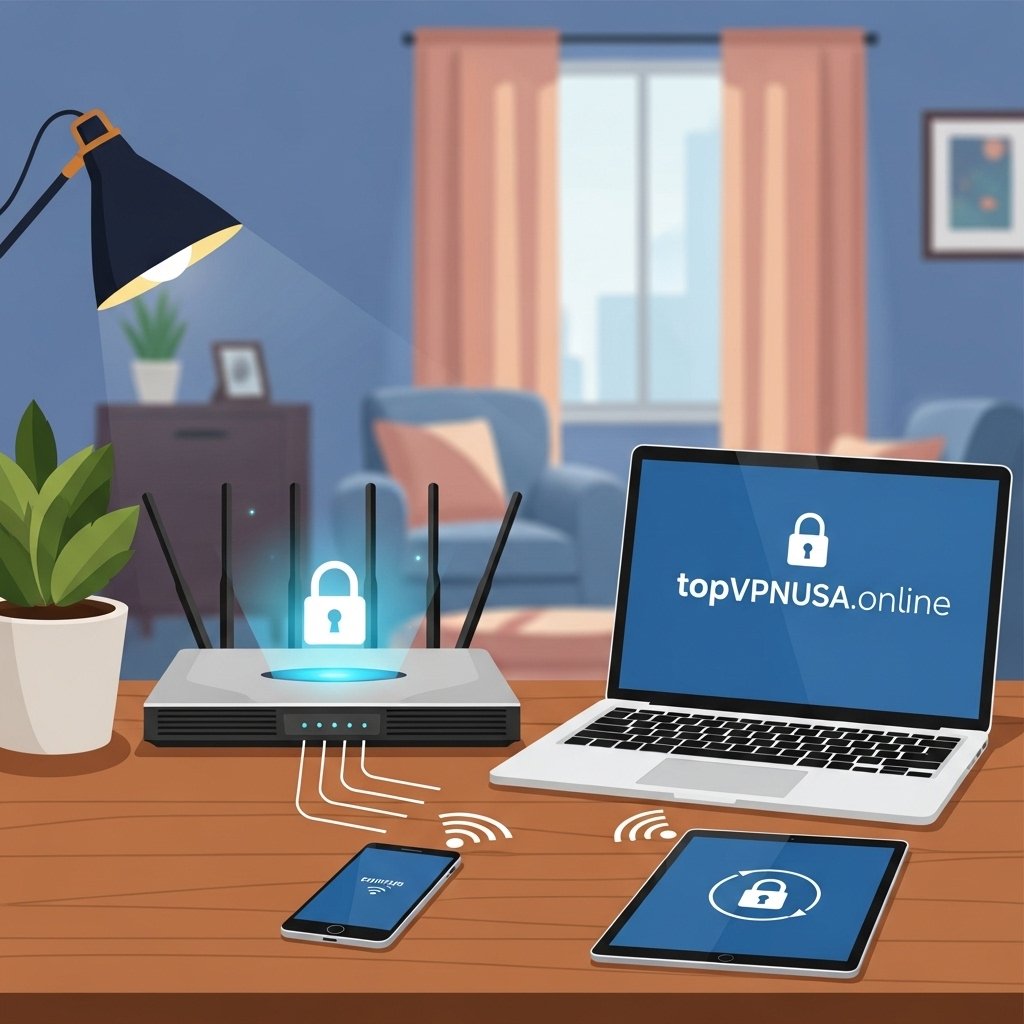
Multi-Device Use If you have multiple devices (laptops, smartphones, tablets, smart TVs), consider VPNs that allow simultaneous connections or unlimited devices.
Remote Work and Security Users working from home or accessing sensitive data may require advanced security features such as kill switches, leak protection, and strong protocols.
Clearly identifying your purpose helps you focus on the VPN features that truly matter.
Step 2: Evaluate Security and Privacy Features
Security and privacy are the backbone of any VPN. Here’s what to look for:
Encryption Standards: AES-256 encryption is the current industry standard for strong protection. Modern protocols such as OpenVPN, WireGuard, or IKEv2 offer a balance of security and speed.
No-Logs Policy: A VPN that keeps no logs ensures that your activity cannot be tracked or stored. Look for providers with independent audits confirming this claim.
Kill Switch: This feature automatically disconnects your device from the internet if the VPN connection drops, preventing accidental exposure of your IP address.
Leak Protection: DNS and IP leak protection ensure that your actual location is not accidentally revealed during browsing.
Extra Privacy Tools: Some VPNs include features like ad and tracker blockers, multi-hop connections, or malware protection.
Prioritizing these features guarantees that your online activity stays private and secure.
Step 3: Assess Speed and Performance
Performance is essential, especially for streaming, gaming, and large downloads. Consider:
Server Network Size and Locations: A VPN with many servers in the USA and globally can distribute traffic more efficiently, reducing congestion and improving speed.
Server Optimization: Some VPNs provide servers specifically optimized for streaming or gaming, which reduces latency.
Connection Stability: Look for VPNs with low downtime and consistent performance across multiple devices.
Keep in mind that some privacy-focused VPNs may slightly reduce speed due to encryption. A high-quality provider balances both security and speed.
Step 4: Compare Device Compatibility
The best VPNs support multiple operating systems and device types:
Desktop Support: Windows, macOS, Linux
Mobile Devices: iOS and Android
Smart Devices: Smart TVs, routers, gaming consoles, and streaming devices
If you plan to use a VPN on all devices in your home or office, check how many simultaneous connections are allowed. Some providers offer unlimited connections, which is ideal for families.
Step 5: Consider Usability and Customer Support
Even a feature-rich VPN can be frustrating if it’s difficult to use. Evaluate:
User-Friendly Apps: Look for intuitive apps that are easy to set up and navigate.
Setup Guides: Tutorials, FAQs, and videos can simplify configuration for beginners.
Customer Support: 24/7 live chat and email support ensures you can resolve issues quickly.
A VPN with an excellent user experience reduces the learning curve and makes consistent use more likely.
Step 6: Evaluate Pricing and Value
VPN pricing can vary widely. Consider:
Monthly vs. Long-Term Plans: Multi-year plans usually offer the best value, while monthly subscriptions are flexible but more expensive per month.
Money-Back Guarantee: Many VPNs provide a trial period or money-back guarantee to test their service risk-free.
Feature-to-Price Ratio: Assess whether the VPN’s security, speed, and device support justify its cost.
A VPN that balances quality features and affordable pricing provides the best long-term value.
Step 7: Check Reputation and Reviews
Trustworthy VPNs often have a proven track record. Look for:
Independent Audits: Verify no-logs policies and security claims.
Positive User Feedback: Reviews from real users provide insight into reliability and performance.
Industry Recognition: Awards, certifications, or recommendations from technology experts can help validate a VPN’s reputation.
A well-regarded VPN reduces the risk of unreliable performance or poor customer support.
Step 8: Bonus Features to Consider
Some VPNs offer additional features that enhance usability and protection:
Split Tunneling: Allows you to route only specific apps through the VPN, which can improve speed for other activities.
Multi-Hop Connections: Routes traffic through multiple servers for extra privacy.
Ad and Tracker Blocking: Reduces online tracking and speeds up browsing.
Dedicated IP Addresses: Useful for secure access to work resources or avoiding frequent CAPTCHA challenges.
These features can add convenience and security depending on your use case.
Recommended VPN Providers for USA Users in 2026
Based on the above criteria, top VPNs for Americans include:
ExpressVPN: Premium speed, strong encryption, reliable for streaming and secure browsing.
NordVPN: Balanced performance, privacy, and pricing, with advanced security features.
Surfshark: Unlimited devices, strong privacy protections, and affordable pricing.
CyberGhost: User-friendly, optimized for streaming, and reliable encryption.
Private Internet Access (PIA): Customizable privacy and security settings with a transparent policy.
Each of these VPNs provides a combination of security, performance, and value that meets the needs of USA users.
Final Thoughts
Choosing the right VPN in the USA requires careful consideration of your priorities, including privacy, speed, device coverage, and price. By evaluating providers against these criteria, you can select a VPN that not only protects your online activity but also enhances your browsing and streaming experience.
A high-quality VPN is an investment in your digital safety, giving you control over your online presence, secure access to sensitive information, and peace of mind while browsing the web.
 1
1